Doing random amounts of push-ups works for a week; a plan is what keeps you going after that. CounterUps ships with My Plan — an adaptive schedule that decides how many sets and reps you do each day, and when you rest.
The plan is generated from a few questions about your current level, then laid out as a 30-day calendar you can check any time. Every counted rep uses the same automatic detection as the rest of the app.
Steps and screenshots verified against app version: 2026.10.7
1Answer the setup questions on first launch
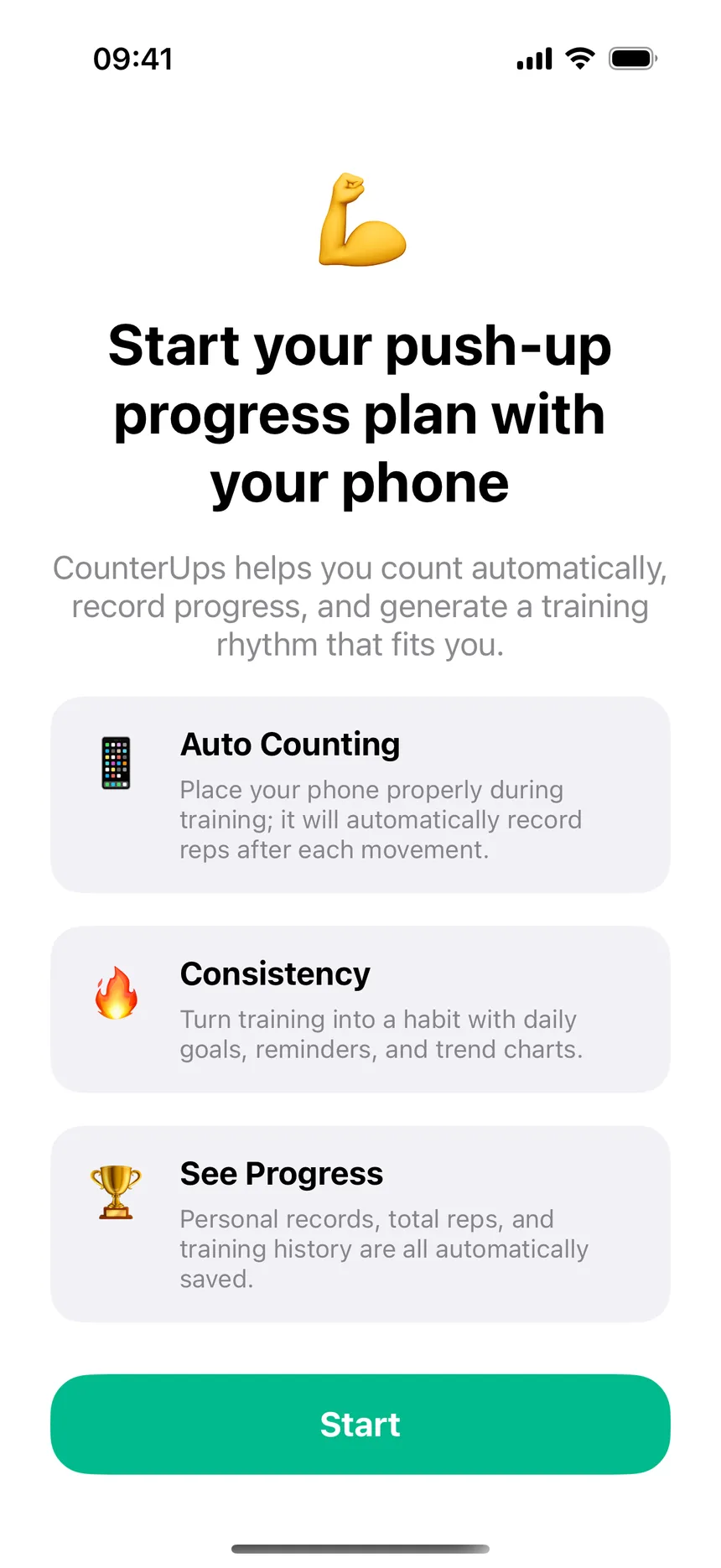
When you open CounterUps for the first time, tap Start and answer the short onboarding — it asks about your goal and current level, then generates a training rhythm that fits you. Already skipped it? You can still create a plan later from the Training Plan section.
2Read today's card on the Workout tab
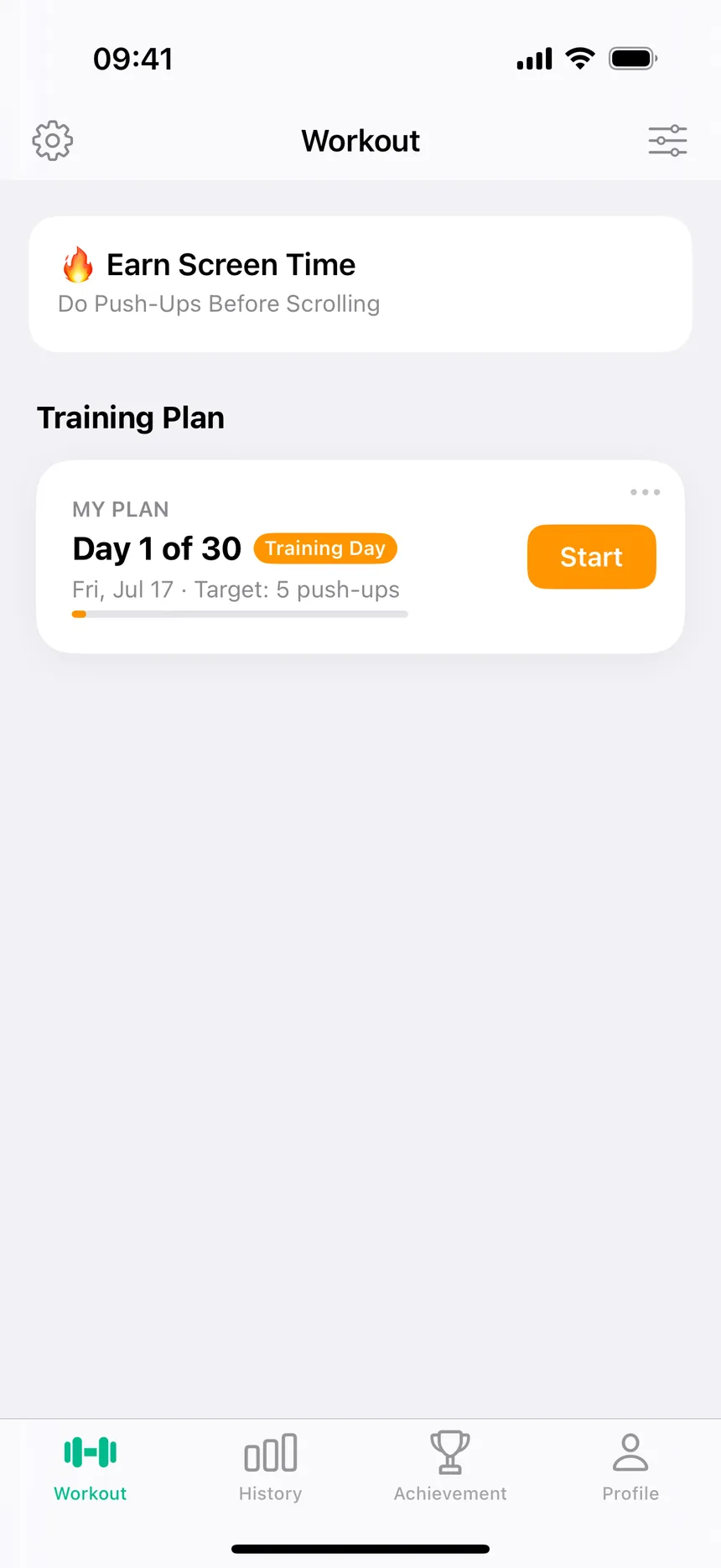
The MY PLAN card under "Training Plan" shows where you are — for example "Day 1 of 30 · Training Day · Target: 5 push-ups" — with a progress bar for the whole plan. On rest days the card says Rest Day and there's nothing to do.
3Open MY PLAN to see the full 30-day schedule
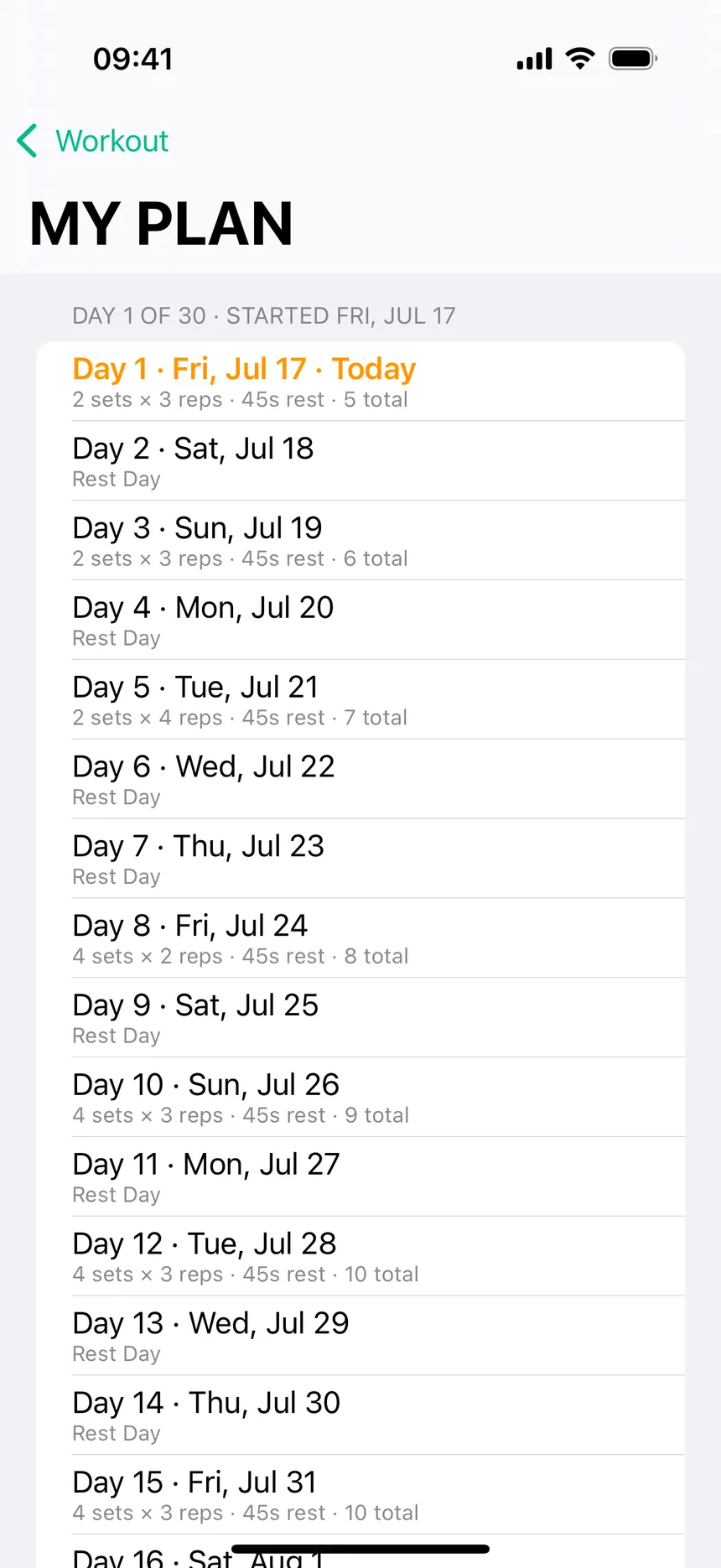
Tap the card to open the day-by-day list. Each training day shows its dose — like "2 sets × 3 reps · 45s rest · 5 total" — and the load climbs gradually while rest days stay built in. Nothing is hidden: you can scroll the whole month before you commit to day one.
4Tap Start on a training day and follow along
The session runs itself: a short countdown, then the counter screen with today's target. Reps are counted automatically with whatever detection mode you use (camera, sensor, voice, or tap), and rest timers run between sets.
5Finished or need a change? Pick the next plan
When a plan ends, CounterUps prompts you to pick a new one. Besides the adaptive My Plan there are predefined plans (for example a 5-days/week progressive 30-day plan) and custom plans you build yourself; the Advanced Plan Builder is part of PRO.
Every plan session is saved to History and counts toward your streak and daily goal. The plan picks up exactly where you left off — the card always tells you which day you're on and what today asks of you.