BigBeeFitFitness apps
App access

All BigBeeFit apps in one place.

Browse our full collection of fitness tools and download directly from the App Store to start your training.

Focused fitness products

This page lists our dedicated fitness apps, thoughtfully designed to help you stay active, hydrated, and recovered.

Start here

Featured tools to kickstart your habit.

Explore the apps our users love the most. Each app has a dedicated page to show you exactly how it can help you reach your goals.

CounterUps

CounterUps uses your phone's camera to automatically count push-ups. It builds a personalized 6-week training plan based on your height, weight, age, and goal — whether that's losing weight, building muscle, or staying in shape. The current public App Store release is Version 2026.8.11 from August 12, 2026, adding landscape workout recording and training videos you can preview, pause, play full screen, save to Photos, or share, plus Settings management for local videos and more reliable camera orientation, workout recovery, and rep counting.

BigBeeFit page

https://www.bigbeefit.com/counterups

What you'll find there

Open the dedicated BigBeeFit page for product context, support links, and current App Store availability.

How to get started

Download from the App Store to start. No separate BigBeeFit account is required.

Live App Store listing

This app is already published on the App Store. Use the button below to jump straight to the live listing.

BigDrink

BigDrink is now publicly framed on the App Store as a large-text water reminder built to keep hydration visible with less friction. The live listing still supports iPhone, iPad, Mac, Apple Vision, and Apple Watch, while the current Version 1.0.4 release from July 4, 2026 adds BigDrink Pro, custom quick-add buttons, more reliable widget sync, stronger HealthKit accuracy without double counting, and support for more scene presets plus Family Sharing-eligible purchases.

BigBeeFit page

https://www.bigbeefit.com/bigdrink

What you'll find there

Open the dedicated BigBeeFit page for product context, support links, and current App Store availability.

How to get started

Download from the App Store to start. No separate BigBeeFit account is required.

Live App Store listing

This app is already published on the App Store. Use the button below to jump straight to the live listing.

Plank King

Plank King is a plank timer and plank challenge tracker for iPhone. Tap once to start the timer, hold your plank, and the app records the session — your longest hold, total time, and estimated calories. Training plans raise the target as you improve, a calendar view shows your streak, and Game Center leaderboards let you compete with other plankers worldwide.

BigBeeFit page

https://www.bigbeefit.com/plank-king

What you'll find there

Open the dedicated BigBeeFit page for product context, support links, and current App Store availability.

How to get started

Download from the App Store to start. No separate BigBeeFit account is required.

Live App Store listing

This app is already published on the App Store. Use the button below to jump straight to the live listing.

SitUp - Workout DailyCrunch

SitUp - Workout DailyCrunch is a sit-up counter for iPhone and Apple Watch, built around an easy habit: 18 sit-ups a day. The rebuilt SwiftUI app counts reps automatically with Camera AI or Apple Watch sensors, offers five training modes, and tracks your history with a calendar, long-term trend charts, and a home screen widget. Apple Health sync is optional, and premium users get iCloud sync across devices.

BigBeeFit page

https://www.bigbeefit.com/daily-situp-workout

What you'll find there

Open the dedicated BigBeeFit page for product context, support links, and current App Store availability.

How to get started

Download from the App Store to start. No separate BigBeeFit account is required.

Live App Store listing

This app is already published on the App Store. Use the button below to jump straight to the live listing.

SquatTrack

SquatTrack turns your iPhone into an automatic squat counter. Sensor counting remains the main hands-free path — hold the phone or rest it on your lap — while camera pose recognition, camera-mode recording, and Apple Watch training are also available. You can earn screen time with real squats, review weekly, monthly, and yearly reports, share workout cards, play training music with a custom background, control sound, voice, and haptics separately, and use Siri, Shortcuts, Game Center, calorie tracking, and Apple Health. Rated 5.0 on the App Store. The current public release is Version 2026.7.14 from July 16, 2026.

BigBeeFit page

https://www.bigbeefit.com/squattrack

What you'll find there

Open the dedicated BigBeeFit page for product context, support links, and current App Store availability.

How to get started

Download from the App Store to start. No separate BigBeeFit account is required.

Live App Store listing

This app is already published on the App Store. Use the button below to jump straight to the live listing.

MiniRep

MiniRep is a low-pressure workout logger for busy people. Record push-ups, squats, planks, and other exercises with one tap, watch every rep or minute build into a clear formula, and work toward flexible monthly goals instead of a streak that resets after one missed day. Workout data stays on your device by default, with optional private iCloud sync and optional Apple Health workout writes.

BigBeeFit page

https://www.bigbeefit.com/minirep

What you'll find there

Open the dedicated BigBeeFit page for product context, support links, and current App Store availability.

How to get started

Download from the App Store to start. No separate BigBeeFit account is required.

Live App Store listing

This app is already published on the App Store. Use the button below to jump straight to the live listing.

Glute Bloom

Glute Bloom is a glute-focused workout and habit app for adults and teens. Pick guided home routines, count reps manually or with optional on-device pose tracking for supported squat and glute-bridge variants, keep a weekly rhythm and streak, and keep history private with on-device storage and optional Apple iCloud sync — no Glute Bloom account required.

BigBeeFit page

https://www.bigbeefit.com/glutebloom

What you'll find there

Open the dedicated BigBeeFit page for product context, support links, and current App Store availability.

How to get started

Download from the App Store to start. No separate BigBeeFit account is required.

Live App Store listing

This app is already published on the App Store. Use the button below to jump straight to the live listing.

Daily Loops

Daily Loops turns an abstract goal like “move more” into something you can finish today: choose a familiar route, set a small loop target, and keep each lap visible. The live App Store page still leads with a simple iPhone-first walking-lap experience, while the current release adds optional GPS auto lap counting, a map trail, calorie feedback, goal celebrations, local reminders, route presets, and on-device history — still with no account and no pressure to become an athlete.

BigBeeFit page

https://www.bigbeefit.com/dailyloops

What you'll find there

Open the dedicated BigBeeFit page for product context, support links, and current App Store availability.

How to get started

Download from the App Store to start. No separate BigBeeFit account is required.

Live App Store listing

This app is already published on the App Store. Use the button below to jump straight to the live listing.

Pulser

Pulser measures your heart rate using the iPhone camera and LED flash — place a fingertip over the lens and get a reading in seconds. It also connects to Bluetooth heart-rate belts for continuous monitoring, logs manual blood pressure readings, and charts trends over time. All data syncs to Apple Health and iCloud, and shareable charts make it easy to show readings to a doctor or coach. Rated 5.0 on the App Store.

BigBeeFit page

https://www.bigbeefit.com/pulser

What you'll find there

Open the dedicated BigBeeFit page for product context, support links, and current App Store availability.

How to get started

Download from the App Store to start. No separate BigBeeFit account is required.

Live App Store listing

This app is already published on the App Store. Use the button below to jump straight to the live listing.

StepDay

StepDay helps you understand daily activity and recovery on your iPhone using Apple Health data. The current public App Store page leads with steps, distance, daily goals, workouts, sleep insights, heart-rate trends, blood oxygen, widgets, Live Activities, shortcuts, streaks, and weekly AI-assisted insights where available.

BigBeeFit page

https://www.bigbeefit.com/stepday

What you'll find there

Open the dedicated BigBeeFit page for product context, support links, and current App Store availability.

How to get started

Download from the App Store to start. No separate BigBeeFit account is required.

Live App Store listing

This app is already published on the App Store. Use the button below to jump straight to the live listing.

More downloads

The rest of the fitness lineup.

Discover more apps tailored for running, glute training, three-minute workouts, core training, and heart-rate monitoring. Find the perfect complement to your daily routine.

Daily Weight Monitor icon
Latest Release on the developer page

Daily Weight Monitor

Log weight trends, optional BMI, and up to three reminders on iPhone.

Daily Weight Monitor App Store screenshot
FocusWeight trends, BMI & reminders
At a glanceTrends, BMI & Reminders
CompatibilityOnly for iPhone · Designed for iPhone · Not verified for macOS
Minimum OSiOS 17.0+
Latest releaseVersion 1.1 · Aug 13, 2026

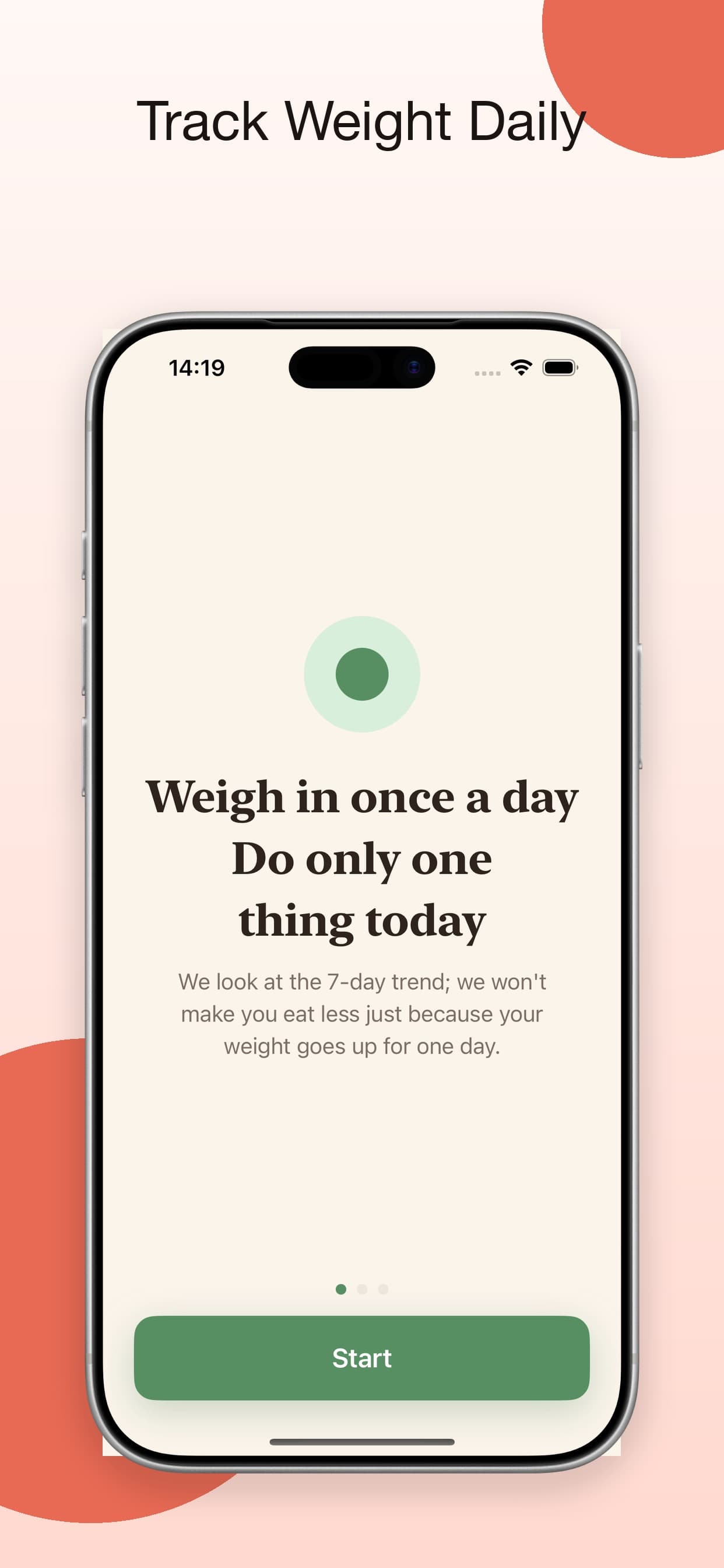
Daily Weight Monitor is the current Latest Release on the developer page. The public App Store listing is an iPhone-only weight tracker with optional BMI, 28/100/365-day trends, up to three reminders, and optional two-way Apple Health weight sync. Version 1.1 from August 13, 2026 is free with in-app purchases, Age 9+, English and 18 more languages, iOS 17.0+, and a Data Not Collected privacy label.

Optional BMI plus 28/100/365-day trendsUp to three remindersOptional two-way Apple Health weight sync
iPhoneApple Health
RunEasy icon
Live on the App Store · Version 3.0.1

RunEasy

A distraction-free run tracker for running, walking, cycling, and hiking.

RunEasy App Store screenshot
FocusSimple run tracking
At a glanceNo clutter. Just start run.
CompatibilityiPhone · iPad · Mac (Apple silicon) · Apple Watch
Minimum OSiOS 26.0+ · iPadOS 26.0+ · macOS 26.0+ · watchOS 10.0+
Latest releaseVersion 3.0.1 · Jun 10, 2026

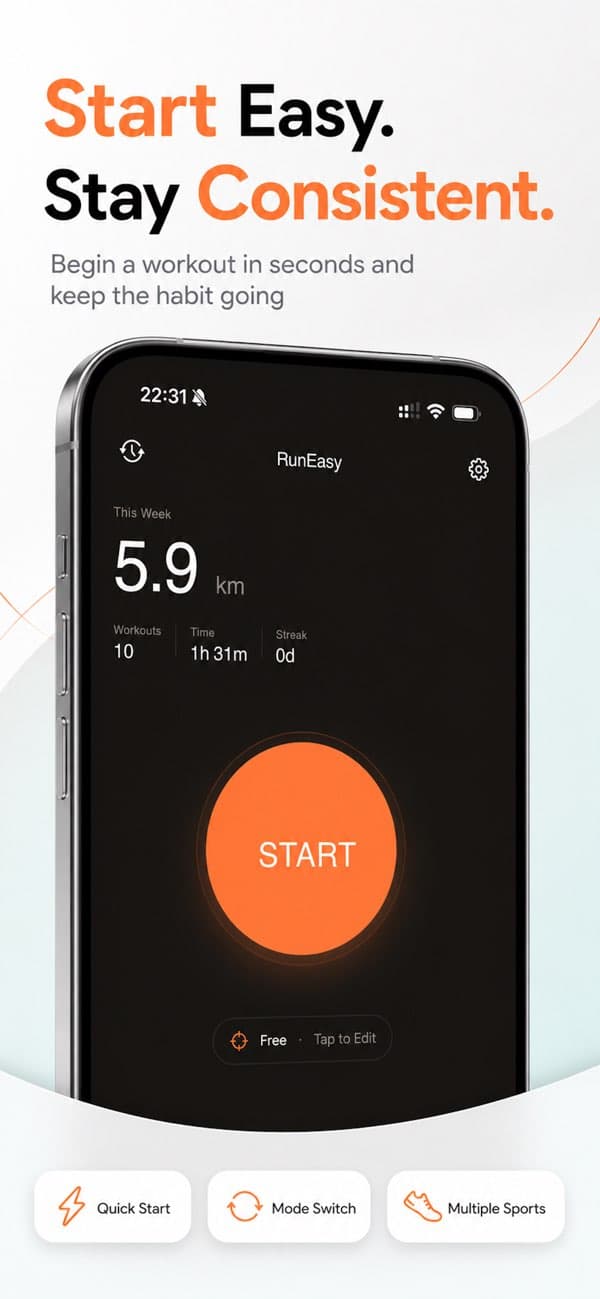
RunEasy is a clean, distraction-free workout tracker for runners, cyclists, walkers, and hikers. The current public App Store page highlights GPS route tracking, a standalone Apple Watch companion, Apple Health sync, Live Activities, voice coaching, Bluetooth heart-rate monitor support, a Home Screen widget, and private-by-design on-device plus iCloud storage. The current public release, Version 3.0.1 dated June 10, 2026, specifically calls out a GPS import crash fix, clearer Apple Watch labels for weekly goals and heart-rate zones, and redesigned widgets.

GPS route, pace, speed, and elevation trackingStandalone Apple Watch workouts with live heart rateVersion 3.0.1 sharpens GPS imports, Watch labels, and widgets
iPhone & iPadApple WatchApple Health
CounterUps Lite icon
Live on the App Store · No subscriptions

CounterUps Lite

A lightweight, no-subscription push-up counter for your daily streak.

CounterUps Lite App Store screenshot
FocusDaily push-up habit
At a glanceSmart Push-Up Counter
CompatibilityOnly for iPhone
Minimum OSiOS 17.0+
Latest releaseVersion 1.0 · Apr 30, 2026

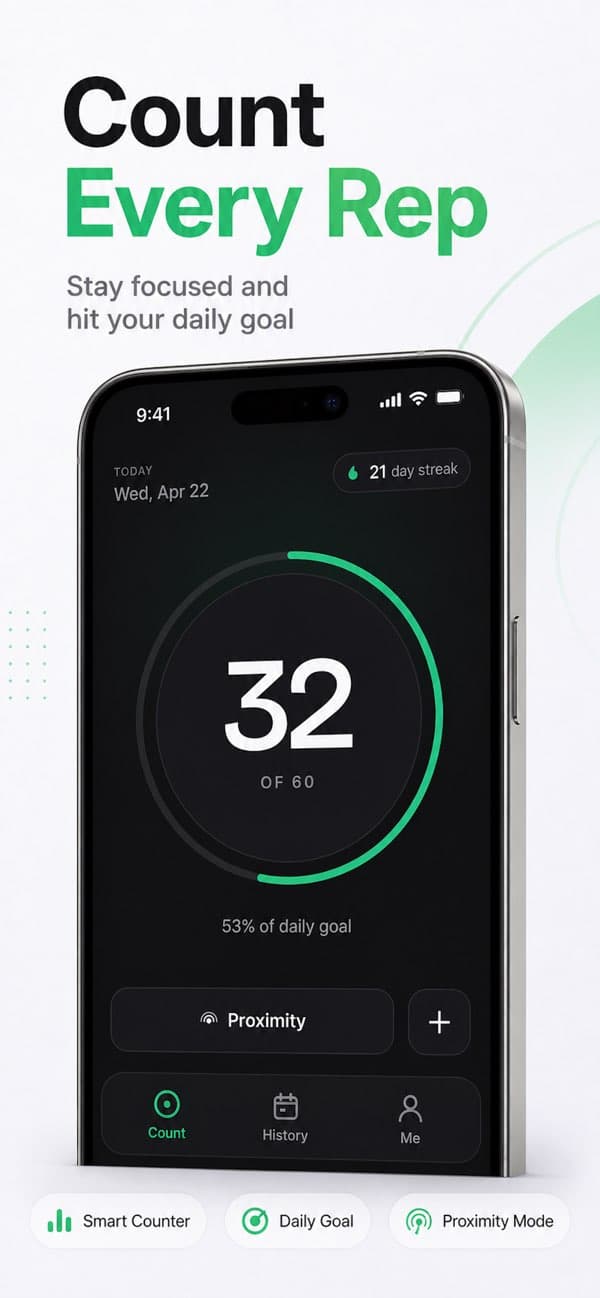
CounterUps Lite is a simpler push-up tracker built for daily consistency. The public App Store page highlights three counting modes — proximity sensor, depth camera on supported iPhones, and manual tap — plus streaks, weekly history, iCloud sync, optional Apple Health logging, and no subscriptions.

Three push-up counting modesStreaks, weekly history, and iCloud syncNo subscriptions
iPhoneApple HealthiCloud sync

Need help with your subscription?

Subscriptions are managed through the App Store. For billing questions, contact Apple Support. For anything else, we're here to help.