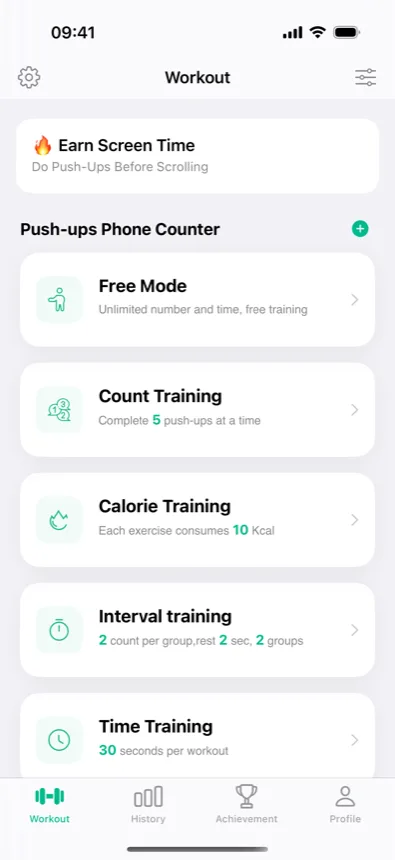
On the Workout tab, the "Push-ups Phone Counter" section lists five ways to run a set. They all use the same automatic rep detection — camera, proximity sensor, voice, or manual tap — and they all land in the same history. The difference is what ends the session.
Steps and screenshots verified against app version: 2026.10.7
1Free Mode — just count, no target
"Unlimited number and time, free training." Start it whenever you want to move; stop whenever you're done. Best for testing detection modes, warm-ups, and rest-day bonus sets that shouldn't touch a plan.
2Count Training — hit a rep target
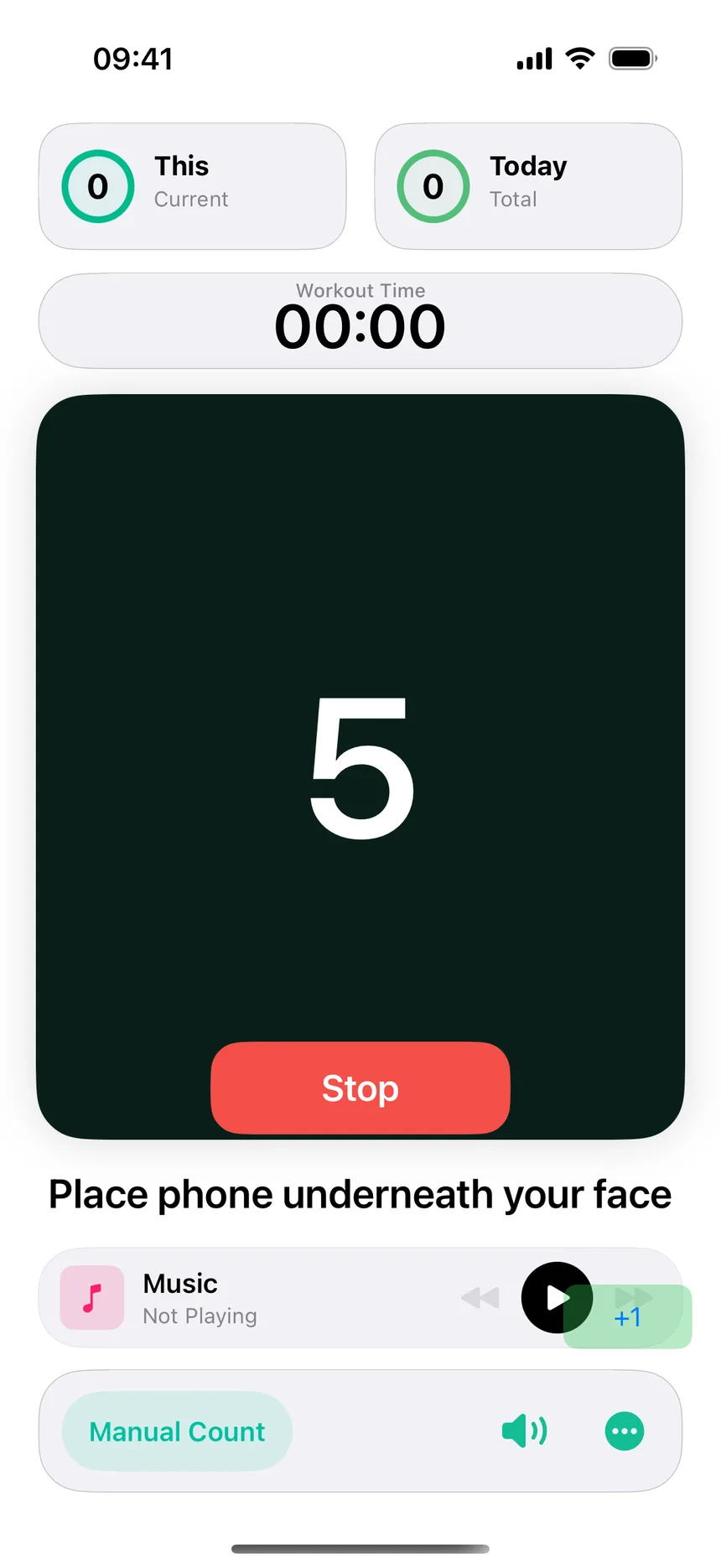
"Complete N push-ups at a time." The card shows the current target; the session displays it front and center and ends when you reach it. The most plan-like of the quick modes — good for daily minimums.
3Calorie Training — burn a kcal target
"Each exercise consumes N Kcal." The app converts your reps into an estimated calorie burn and stops when the target is met. Estimates are based on a per-push-up calorie figure — treat them as a motivator, not a medical measurement.
4Interval Training — sets, reps, and rest on autopilot
"N count per group, rest N sec, N groups." The classic sets-with-rest structure: the app counts each group, runs the rest timer, and calls the next set. Closest to how you'd actually program strength work.
5Time Training — as many as you can in N seconds
"N seconds per workout." A fixed clock, an open rep count — the AMRAP of push-ups. Great for benchmarking progress: repeat the same duration weekly and watch the number climb.
Whichever mode you pick, results land in the same place: the History tab's calendar and statistics, your daily goal, and Apple Health if you've connected it. A sensible weekly mix: plan days as scheduled, one Time Training benchmark, Free Mode for everything else.